An eye on your links.
Misengard crawls your sites, checks every external link, and tells you when one breaks or comes back. Everything stays on your Mac.
For macOS 14 or later. No account, no server.
What it watches
-
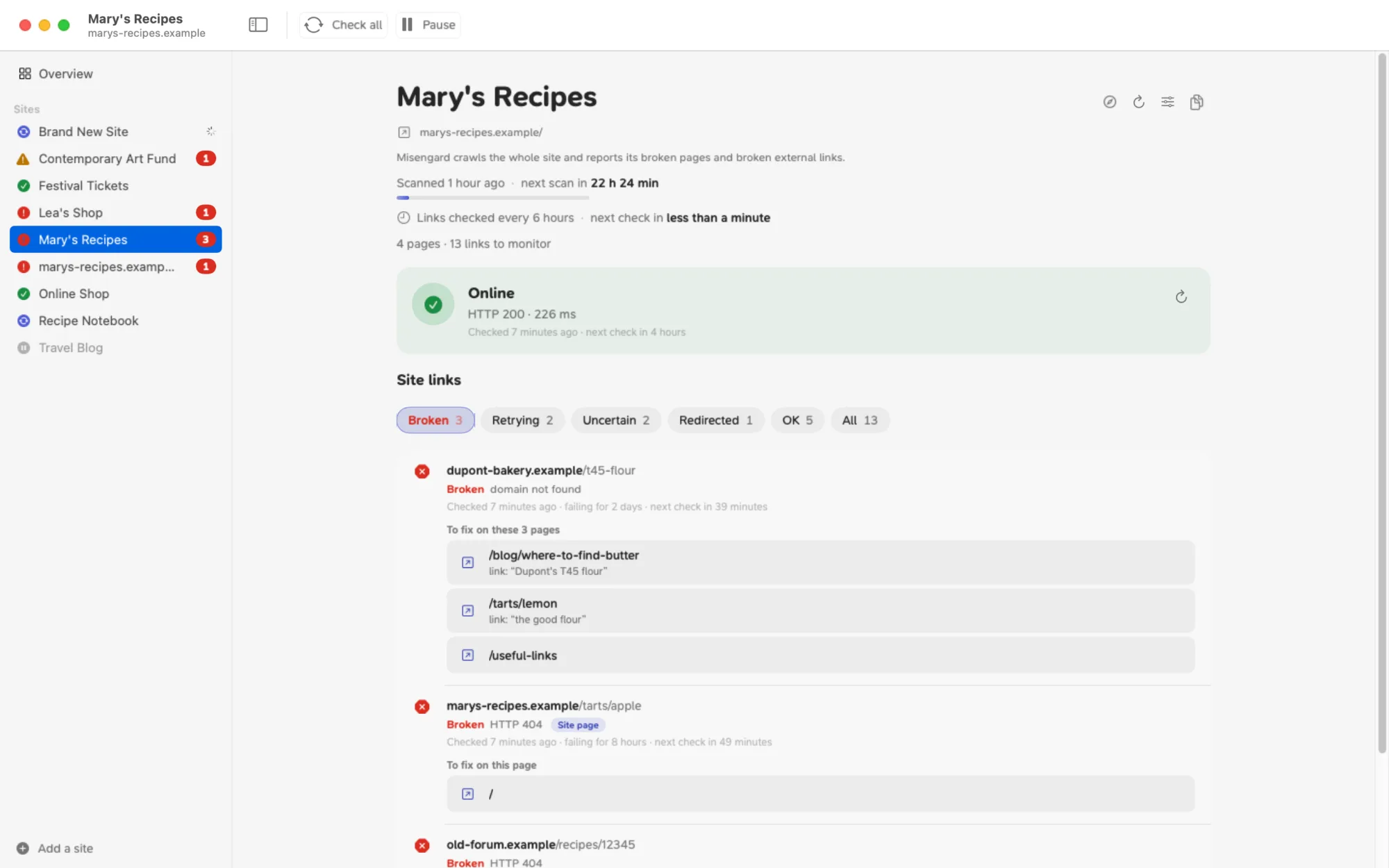
Broken pages
Misengard walks through your whole site and flags the pages that answer with an error: 404, 410, 500…
-
Broken external links
Every link to another site is checked, then checked again as often as you decide, from every minute to once a day.
-
A word on the page
Name a word or a phrase that must stay on a page, like “Tickets on sale”. Misengard tells you the day it disappears: maintenance, an edit gone wrong, a hack.
How it works
-
01
Add an address
A whole site, or a single page. Misengard checks that it answers before adding it.
-
02
It watches quietly
From the menu bar, with the window closed. Two requests at a time and robots.txt respected: polite with the sites it visits.
-
03
You hear about it
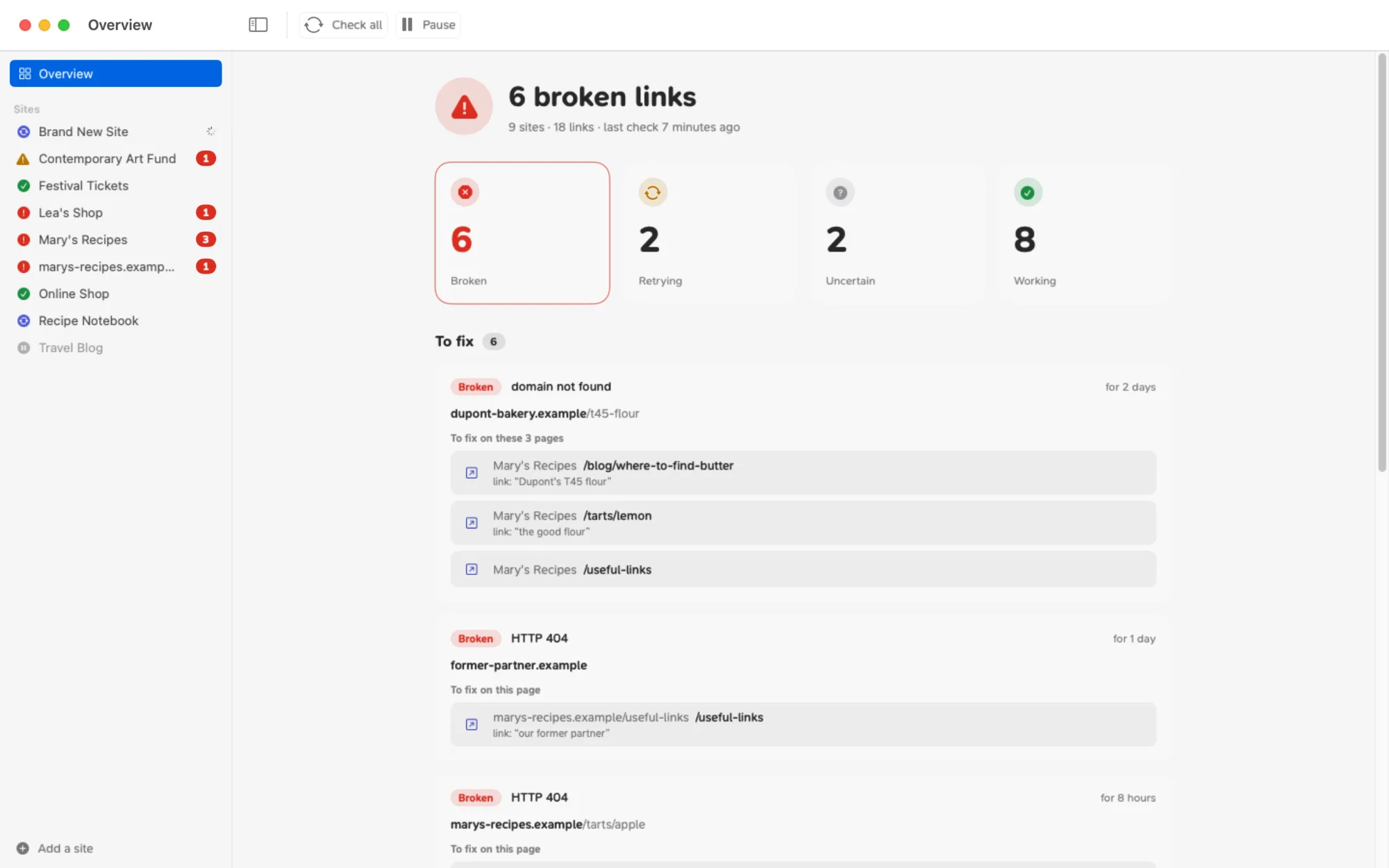
A notification, and a badge on the icon, when a link breaks or comes back. Each broken link comes with the pages to fix, and one click opens the page that holds it.
-
Private
No account, no server, no tracking. Your sites and their results stay on your Mac.
-
No false alarms
A link is declared broken only after three failures in a row, so a network hiccup never wakes you up.
-
Honest about what it can't know
A site that turns robots away is shown as uncertain, never as broken: it is up to you to check it.
-
Native on your Mac
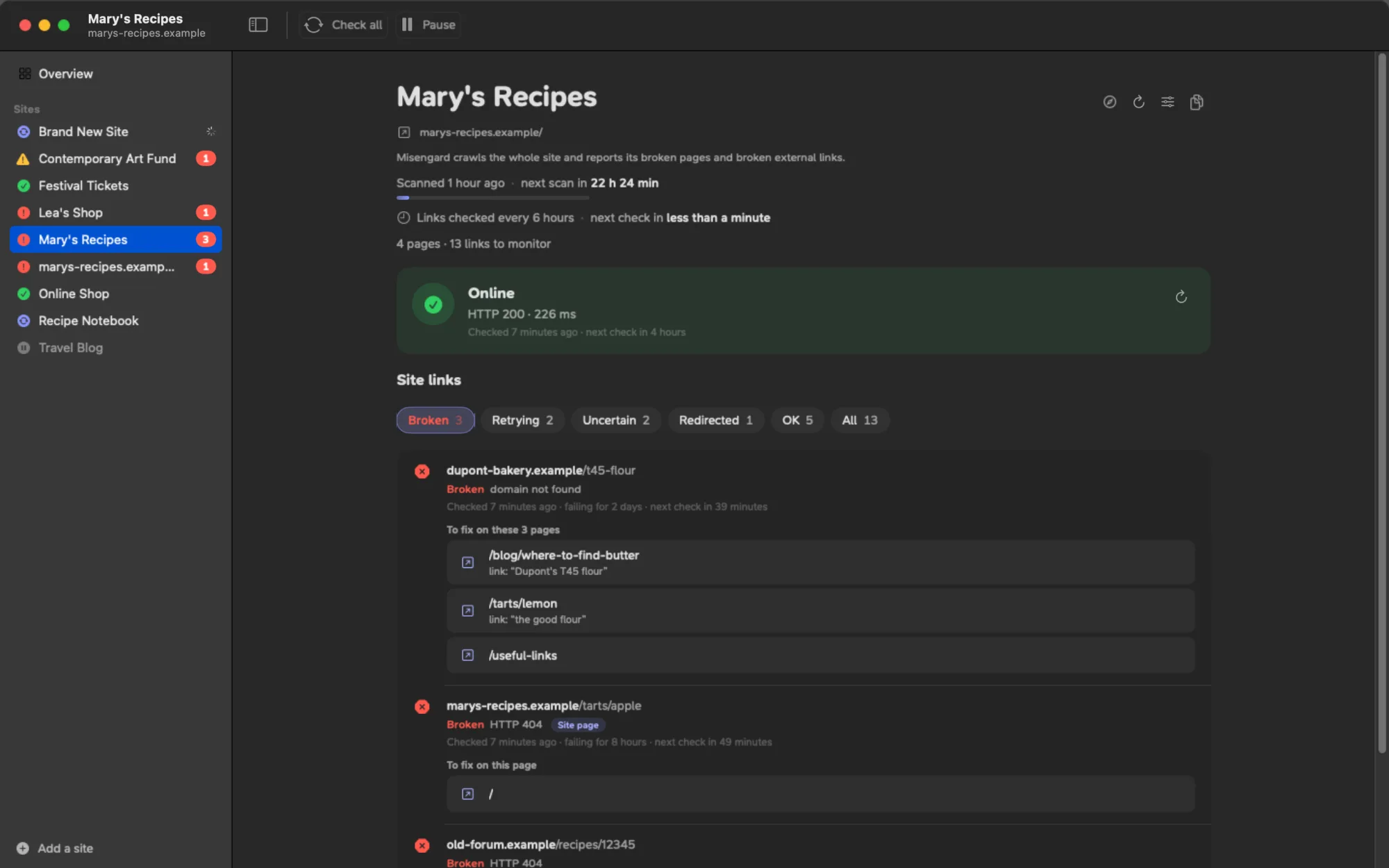
A small menu bar app, sandboxed, in light and dark, in English and French.